Skip to content
NewLeadform MCP

Launch a form in one prompt.

Connect Leadform to Claude. Build forms, edit steps, run A/B tests and read your results, just by asking.

£19 per user a month plus a charge for each lead · Pay as you go · Prices ex-VAT at 20% · Businesses only

Every account includesCustom domainsA/B testingIntegrations
Your AI assistant · Leadform connectedExample
Build a solar homeowner qualifier: postcode, do they own their home (stop renters), monthly electricity bill, then name and phone. Publish it when it's built.
Assistant · using Leadform
create_formDraft created · 5 steps
publish_formForm is live
Done. Solar Homeowner Qualifier is live with 5 steps. Anyone who rents is stopped at step 2.
Your form appears here
Leadform · Forms
Solar Homeowner Qualifier
DraftLive
  1. 1Your postcodeTEXT · postcode
  2. 2Do you own your home?RADIO · 2
  3. 3Monthly electricity billRADIO · 4
  4. 4Your full nameTEXT · full name
  5. 5Best phone numberTEXT · tel
Step 2 of 5Sample form
Do you own your home?
Yes, I own
No, I rentStops here

Example prompt and sample form, not a real account. Use the Pause button to stop the animation.

What you can ask

Build, test and read results. By chat.

Ask in plain English and Leadform does the work in your account. New forms and tests start as drafts, so nothing new goes live until you say so.

Launch a form in one prompt

Describe the form and it's built as a draft. Say “publish” and it's live. Or copy a form you already have.

Example
Forms
Solar Homeowner QualifierLive
Boiler QuoteDraft
Solar – Wales (copy)Draft
create_formduplicate_formpublish_formunpublish_formlist_forms

Edit steps and copy

Reword a question, add or remove a step, stop renters at the door, change the title or theme colour.

Example
Step 3
Monthly bill?
What's your average monthly electricity bill?
+ Step 6 added: Your email
get_formget_stepadd_stepupdate_stepdelete_stepupdate_form

A/B tests, start to stop

Create a variant, set the traffic split, then start or stop the test when you say. Pick the winner in your dashboard.

Example
Headline test
Shorter formRunning
Control 50%Variant B 50%
create_ab_testadd_ab_test_variantset_ab_test_trafficstart_ab_teststop_ab_testget_ab_testlist_ab_tests

Results and drop-off

Visits, completions and conversion rate, plus the exact step that loses people. Compare up to 10 forms at once.

Example
Step drop-off
Postcode100%
Own home78%
Bill59%
Name47%
Phone41%

Figures refresh about every 5 minutes.

get_form_metricsget_step_dropoffcompare_forms

Validation errors

See which error fired at a step and why people fail it, like a phone pattern that's too strict.

Example
Step 5 · Best phone number
Invalid phone number18
Required6
Typed valuehidden
get_step_validation_errors

Submissions

Read answers with device and UTM source. Names, emails, phones and postcodes stay hidden unless you ask.

Example
Newest lead
Mobile · utm_source=example09:14
Own homeYes
Name · Phonehidden hidden
list_submissions
Example prompts

Copy. Paste. Launch.

Real prompts that use real Leadform tools. Swap in your own form names.

Build a 5-step boiler quote form: postcode, do you own your home (stop anyone who rents), boiler age, then name and phone. Keep it as a draft.
Uses create_form
Copy my Solar Homeowner form, call it ‘Solar – Wales’, change the headline to ‘Solar panels for Welsh homes’.
Uses duplicate_formupdate_form
On my solar form, reword step 3 to ‘What's your average monthly electricity bill?’ and add an email step at the end.
Uses get_formupdate_stepadd_step
Set up an A/B test on the boiler form where variant B drops the boiler age step. Split traffic 50/50 and start it.
Uses create_ab_testadd_ab_test_variantdelete_stepset_ab_test_trafficstart_ab_test
How is the headline test on my solar form doing? If variant B is behind, stop the test.
Uses list_ab_testsget_ab_teststop_ab_test
Which step loses the most people on my solar form over the last 30 days, on mobile?
Uses get_step_dropoff
Why are people failing the phone number step on my boiler form? Show me the top errors.
Uses get_step_validation_errors
Compare all my solar forms over the last 30 days, then show me the 20 newest leads from the best one with device and UTM source.
Uses list_formscompare_formslist_submissions

Form names are examples. The tools listed are the ones the assistant uses for each request.

Set-up

Connect once. Then just ask.

Four steps and Claude can work on your forms.

  1. 1

    Create your key in Leadform.

    Go to Account, then AI Access, and create a key. It's shown once, you can set an expiry, and you can revoke it any time. The Connect your assistant panel fills in everything below for you.

  2. 2

    Add Leadform in Claude.

    Open Customize, then Connectors, and choose Add custom connector. Name it Leadform and paste the address.

    https://app.leadform.io/api/mcp
  3. 3

    Paste your key.

    Set Authentication to None (Claude picks Always required by default, and the header field stays locked until you change it). Under Request headers, click Add header, choose authorization and paste Bearer followed by your key.

    Bearer lf_mcp_your_key_here
  4. 4

    Just ask.

    If your forms come back, you're connected.

    List my Leadform forms.
FAQ

Good questions.

What is the Leadform MCP?

It's a connector that lets Claude and Cursor work inside your Leadform account. MCP (Model Context Protocol) is the open standard Claude and Cursor use to connect to tools.

You ask in plain English, and it builds forms, edits steps, runs A/B tests and reports your results.

What can it access?

Claude can read and edit the forms, A/B tests and submissions in the companies you manage. On a Claude Team or Enterprise plan, a key added by an Owner is shared by everyone in that organisation. Revoke the key at any time.

Will it put anything live without asking?

New forms and copies are always created as drafts, and a new A/B test doesn't split any traffic until it's started. Publishing a form and starting a test are separate steps you ask for.

Edits to a form that's already live show straight away, so ask it to copy the form or set up a test first if you want to try changes safely.

Can the AI see my leads' personal details?

Not by default. When it reads submissions or validation errors, names, emails, phone numbers, addresses and postcodes come back hidden. They're only included when a request needs the real values, for example when you ask to see them.

Can it change my domains, integrations or tracking?

No. It can see which custom domain, tracking IDs and integrations a form uses, but connecting or changing them stays in your Leadform dashboard, and credentials are never passed to the AI.

A copied form doesn't inherit the original's domain or integrations, so a draft copy can't send leads into a live campaign. A/B test variants do keep the original's integrations, so leads from a running test still arrive.

Which AI apps does it work with?

Works with Claude (web, desktop and mobile) where custom connectors with request headers are available, and with Cursor.

Does it cost extra?

No. The Leadform AI connector is included in every Leadform account at no extra cost.

Leadform homeLeadform

Your next form is one prompt away.

Get your Leadform account, connect Claude and launch your first form by chat.

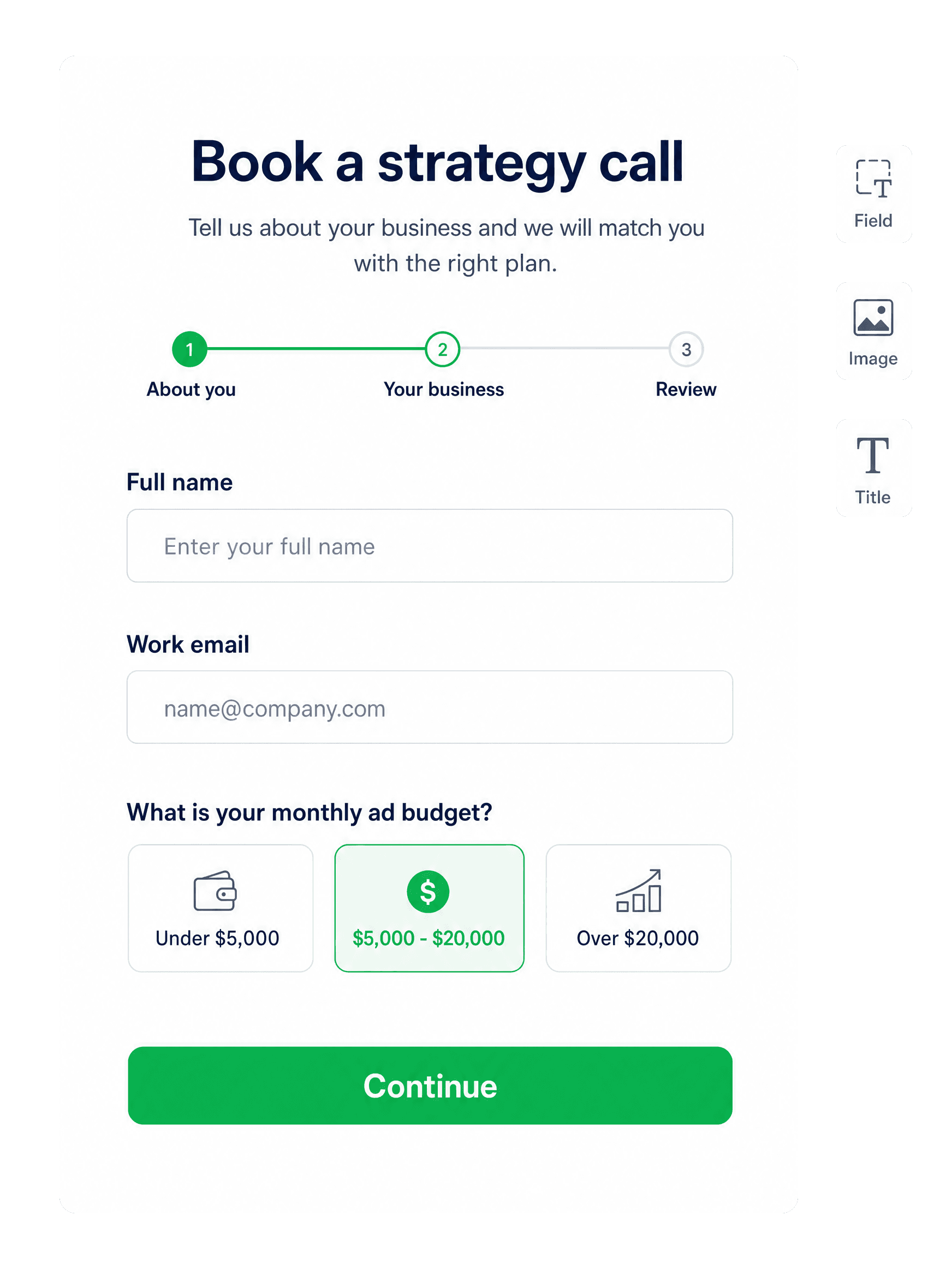
Leadform builder showing a multi-step form. Sample content.
Form steps3 stepsSample preview